
In today’s digital world, having a website is only the first step toward building a successful online presence. A website needs to be easy to find, fast to load, simple to navigate, and useful to visitors if a business wants to attract consistent organic traffic. This is where website optimization becomes essential.
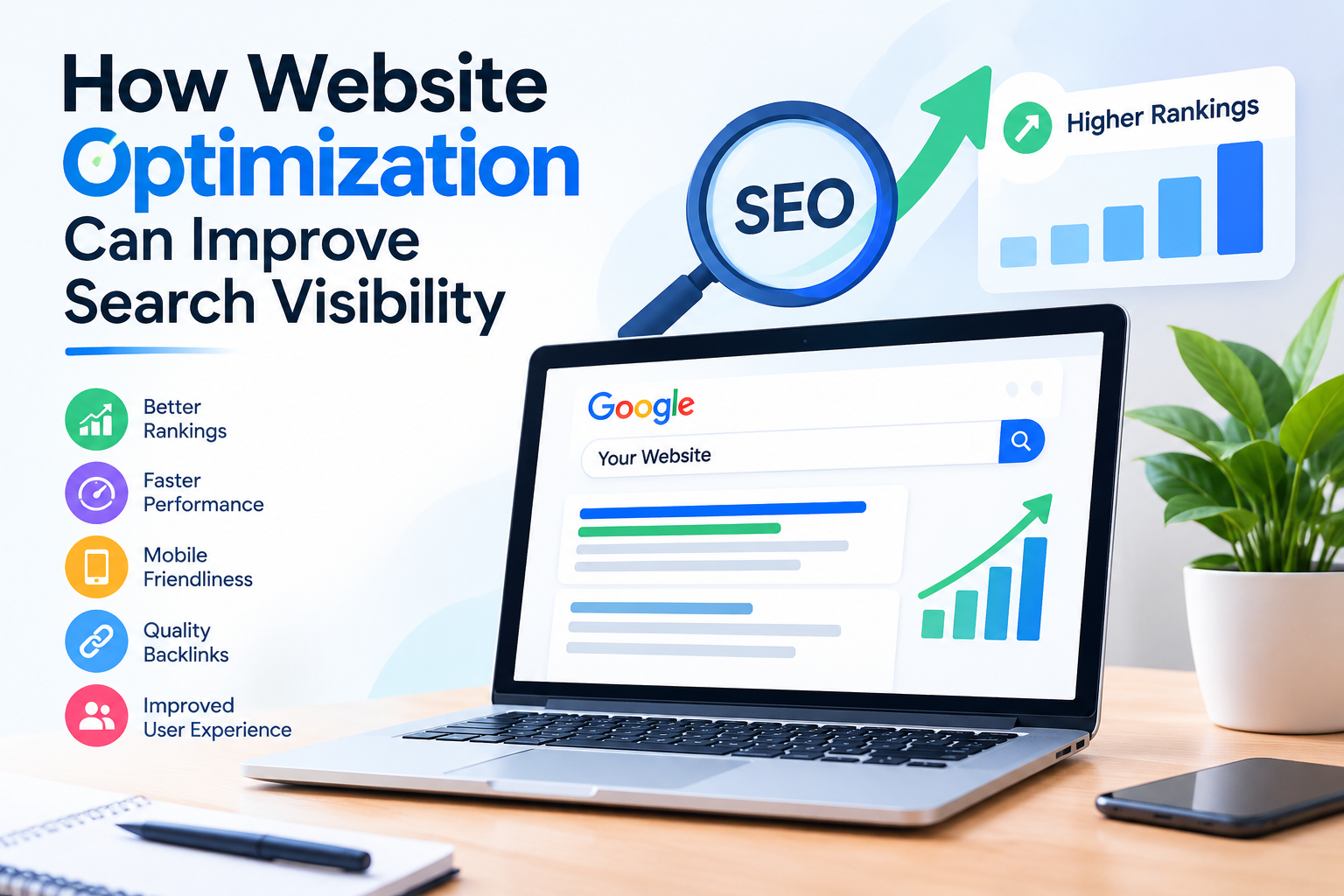
Website optimization helps improve search visibility, SEO performance, and search engine rankings.
Website optimization involves improving different elements of a website so that search engines can understand its content and users can enjoy a better browsing experience. From page speed and mobile responsiveness to keyword placement, content quality, technical SEO, and internal linking, every element can influence how effectively a website performs in search results.
Search engines aim to provide users with relevant, useful, and accessible results. When a website is properly optimized, search engines can crawl and understand its pages more efficiently. At the same time, visitors can find the information they need without unnecessary delays or confusion.
For businesses trying to increase their online visibility, combining technical improvements with high-quality content and a clear SEO strategy can create a stronger foundation for long-term growth. Professional SEO services can also help businesses identify optimization opportunities and develop strategies designed around their goals.
In this guide, we will explore how website optimization can improve search visibility, which areas deserve attention, common mistakes to avoid, and practical steps you can take to create a more search-friendly website.
What Is Website Optimization?
Website optimization is the process of improving a website’s technical performance, content, usability, structure, and overall search engine accessibility. The goal is to make the website more useful for visitors while helping search engines understand and index its pages.
Optimization is not limited to adding keywords to webpages. Modern SEO involves multiple factors, including:
- Website speed
- Mobile usability
- Content quality
- Keyword targeting
- Page structure
- Internal linking
- Technical SEO
- Image optimization
- Metadata
- User experience
- Website security
- Crawlability and indexability
A properly optimized website creates a better connection between search engines and users. Search engines can discover and interpret pages more effectively, while visitors can access valuable information quickly.
Why Search Visibility Matters
Search visibility refers to how easily users can discover a website when searching for relevant information, products, or services.
Imagine a business offering professional digital marketing services. If its website appears when potential customers search for terms related to SEO, content marketing, or website optimization, the business has an opportunity to attract those users.
Without search visibility, even an excellent website may receive very little organic traffic.
Improving search visibility can help businesses:
- Increase organic website traffic
- Reach potential customers
- Build brand awareness
- Generate leads
- Improve online credibility
- Support long-term marketing growth
- Reduce dependence on paid advertising
However, visibility should not be viewed simply as getting a website to appear for as many keywords as possible. The most useful visibility comes from appearing for searches that are relevant to the website’s audience and business objectives.
How Website Optimization Improves Search Visibility
Website optimization can influence search visibility in several important ways. Let’s examine the major areas that businesses should focus on.
1. Improve Website Loading Speed
Website speed is an important part of creating a good user experience. Visitors generally do not want to wait for a slow webpage to load, especially when they are browsing from a mobile device.
A slow website can make visitors leave before they interact with the content. It can also make it harder for users to navigate through multiple pages.
To improve website performance, consider:
- Compressing large images
- Using modern image formats
- Reducing unnecessary scripts
- Minimizing CSS and JavaScript
- Enabling browser caching
- Choosing reliable hosting
- Removing unnecessary plugins
- Optimizing website code
Fast-loading pages provide a smoother experience and make it easier for visitors to access information.
Why Page Speed Matters for SEO
Search engines consider various page experience signals when evaluating websites. Improving technical performance can therefore support an overall SEO strategy.
However, speed should not be optimized at the expense of useful content. A fast page still needs to provide valuable information that satisfies the user’s search intent.
2. Make Your Website Mobile-Friendly
A large percentage of internet browsing takes place on mobile devices. A website that works well on desktop computers but is difficult to use on smartphones can lose valuable visitors.
A mobile-friendly website should:
- Adjust naturally to different screen sizes
- Use readable text
- Have buttons that are easy to tap
- Avoid unnecessary horizontal scrolling
- Load efficiently on mobile connections
- Provide simple navigation
Responsive web design helps create a consistent experience across desktops, tablets, and smartphones.
Mobile Optimization and Search Performance
Search engines evaluate websites using mobile-oriented crawling and indexing systems. Therefore, businesses should make sure their primary content is accessible and useful on mobile devices.
Mobile optimization is especially important for local businesses, ecommerce stores, service providers, and websites that receive substantial traffic from smartphones.
3. Create High-Quality, Search-Focused Content
Content remains one of the most important parts of a successful SEO strategy. Search engines need meaningful information to understand what a webpage is about and determine which searches it may be relevant to.
High-quality content should answer the questions your target audience is actually asking.
Instead of creating pages solely to include keywords, focus on:
- Understanding search intent
- Providing accurate information
- Answering common questions
- Covering topics comprehensively
- Using clear headings
- Providing practical examples
- Keeping information updated
- Avoiding unnecessary repetition
For example, instead of repeatedly using the keyword “website optimization,” an article can naturally discuss related concepts such as technical SEO, on-page SEO, page speed, mobile optimization, keyword research, internal linking, and user experience.
This creates a more useful resource for readers and provides search engines with meaningful context.
4. Use Keywords Strategically
Keyword research helps identify the words and phrases people use when searching for information online.
The objective is not to place a keyword everywhere on a page. Instead, keywords should be used naturally in important areas where they help communicate the topic.
Relevant locations can include:
- Page titles
- Main headings
- Subheadings
- Introduction
- Body content
- Image alt text when appropriate
- Meta descriptions
- URLs
- Internal links
Some useful keyword themes related to website optimization include:
- Website optimization
- Search visibility
- SEO optimization
- On-page SEO
- Technical SEO
- Website SEO
- Organic search traffic
- Search engine optimization
- Website performance
- SEO strategy
- Content optimization
- Mobile SEO
- Local SEO
- Keyword research
Avoid Keyword Stuffing
Keyword stuffing means excessively repeating keywords in an attempt to manipulate search rankings.
For example, repeatedly writing the same phrase in every sentence can make content difficult to read and may create a poor user experience.
A better approach is to use primary keywords naturally while incorporating related terms and answering the user’s questions thoroughly.
5. Optimize Page Titles and Meta Descriptions
Page titles and meta descriptions help communicate what a webpage is about.
A good title should be:
- Relevant to the page
- Clear and descriptive
- Naturally optimized around the main topic
- Appealing to searchers
- Different from titles on other pages
Meta descriptions should provide a concise explanation of what users can expect from the page.
Although metadata alone does not guarantee higher rankings, well-written titles and descriptions can make search results clearer and potentially encourage more qualified users to visit the website.
6. Improve Your Website Structure
A well-organized website makes it easier for users and search engines to navigate.
A logical structure might look like:
- Home
- About
- Services
- Blog
- Individual service pages
- Individual blog articles
- Contact
Each important page should be accessible through a logical navigation system.
Avoid creating complicated website structures where important pages are buried several clicks deep.
Use Descriptive URLs
A clean URL can help users understand what a webpage is about.
For example:
Poor URL:
example.com/page?id=12345
Better URL:
example.com/website-optimization-guide
Descriptive URLs can make pages easier to understand and share.
7. Strengthen Internal Linking
Internal links connect one page of your website to another page on the same domain.
They help visitors discover related content and can also help search engines understand the relationship between different pages.
For example, an article about website optimization could link naturally to pages discussing:
- SEO services
- Keyword research
- Technical SEO
- Content marketing
- Local SEO
- Website design
When adding internal links, use descriptive anchor text rather than generic phrases such as “click here.”
Benefits of Internal Linking
A thoughtful internal linking strategy can:
- Improve website navigation
- Help users discover additional content
- Support topical organization
- Help search engines discover pages
- Distribute internal authority across relevant pages
Internal links should always be relevant and useful rather than added simply to increase the number of links.
8. Optimize Images
Images can improve content by making articles easier to understand and more visually appealing. However, large or poorly optimized images can negatively affect website performance.
Image optimization can include:
- Compressing images
- Choosing appropriate file formats
- Using descriptive filenames
- Adding meaningful alt text
- Resizing images appropriately
- Avoiding unnecessarily large files
Use Alt Text Correctly
Alt text helps describe images for users who cannot see them and provides additional context about an image.
For example, an image showing a website performance dashboard could have descriptive alt text such as:
“Website performance analysis dashboard”
Avoid filling alt text with unrelated keywords.
9. Improve Technical SEO
Technical SEO focuses on the behind-the-scenes aspects of a website that affect crawling, indexing, performance, and accessibility.
Important technical SEO areas include:
- XML sitemap
- Robots.txt
- Canonical URLs
- HTTPS security
- Redirects
- Broken links
- Duplicate content
- Crawl errors
- Structured data
- Mobile usability
- Page speed
XML Sitemap
An XML sitemap provides search engines with information about important URLs on a website. Keeping the sitemap accurate and updated can support efficient discovery of website pages.
Robots.txt
The robots.txt file can provide instructions about which areas of a website crawlers should or should not access.
It should be configured carefully because incorrect directives can prevent important pages from being crawled.
HTTPS Security
HTTPS encrypts communication between a visitor’s browser and the website. A secure website provides users with a safer browsing experience and is a standard expectation for modern websites.
10. Fix Broken Links and Technical Errors
Broken links can create a frustrating experience for visitors. They can also make website maintenance more difficult.
Regularly check your website for:
- Broken internal links
- Broken external links
- Missing pages
- Incorrect redirects
- 404 errors
- Duplicate URLs
- Indexing problems
Fixing technical problems helps create a cleaner website structure and better user experience.
11. Improve User Experience
Search optimization and user experience are closely connected.
A website should not only be accessible to search engines; it should also help visitors accomplish their goals.
A positive user experience often includes:
- Clear navigation
- Readable typography
- Useful content
- Fast loading
- Mobile compatibility
- Clear calls to action
- Logical page layouts
- Easy access to important information
If visitors struggle to find what they need, they may leave quickly or choose another website.
Create Content for People First
SEO should support useful content rather than replace it.
When creating pages, ask:
Can a visitor quickly understand what this page offers?
Does the content answer the searcher’s question?
Is the next step obvious?
Is the information easy to read?
These questions can help create pages that are useful to both people and search engines.
12. Build Topic Authority Through Content
Publishing one article about a subject may not be enough to establish comprehensive topical coverage.
Businesses can create groups of related content around important subjects.
For example, a website focused on SEO could publish content about:
- Keyword research
- On-page SEO
- Technical SEO
- Local SEO
- Link building
- Content optimization
- Website performance
- SEO analytics
- Search visibility
These related articles can link to each other where appropriate.
This approach helps create a structured content ecosystem rather than a collection of unrelated blog posts.
The Role of On-Page SEO in Website Optimization
On-page SEO focuses on elements that can be optimized directly on individual webpages.
Important on-page SEO elements include:
- Page title
- H1 heading
- H2 and H3 headings
- Main content
- Keywords
- Images
- Alt text
- Internal links
- URLs
- Meta descriptions
- Content structure
A properly optimized page should have a clear primary topic and logically organized supporting information.
For example, an article targeting the topic “website optimization” could use supporting headings such as:
- What Is Website Optimization?
- Why Search Visibility Matters
- How to Improve Website Performance
- Technical SEO Best Practices
- How Content Optimization Supports SEO
- Common Website Optimization Mistakes
This structure makes the content easier to scan and understand.
How Content Optimization Supports Organic Traffic
Content optimization involves improving existing and new content so that it better serves users and search intent.
A content optimization process may include:
- Identifying the primary topic.
- Researching related search queries.
- Understanding the intended audience.
- Reviewing competing content.
- Creating a useful content structure.
- Adding relevant information.
- Improving readability.
- Adding internal links.
- Optimizing titles and metadata.
- Updating content as information changes.
The goal should be to create a resource that genuinely helps the reader.
Website Optimization for Local Businesses
Local businesses can benefit significantly from website optimization.
A local SEO strategy can help businesses become more visible to people searching for services within a particular geographic area.
Important local optimization activities include:
- Creating accurate business information
- Optimizing location pages
- Publishing locally relevant content
- Maintaining consistent business details
- Optimizing the Google Business Profile
- Earning relevant local mentions and links
- Using location-specific keywords naturally
For example, a digital marketing agency serving a specific city can create a dedicated service page explaining the services it provides to businesses in that area.
Local optimization should provide genuinely useful local information rather than simply adding city names repeatedly throughout a page.
Website Optimization for E-Commerce Websites
E-commerce websites often contain hundreds or thousands of pages. This makes technical and content optimization particularly important.
E-commerce SEO can involve:
- Optimizing product titles
- Writing unique product descriptions
- Improving category pages
- Optimizing product images
- Managing duplicate URLs
- Creating useful category content
- Improving website speed
- Implementing structured data
- Creating logical internal links
Product and category pages should help users understand what is being offered while making it easy for search engines to interpret the page.
Common Website Optimization Mistakes to Avoid
Even businesses that actively work on SEO can make mistakes.
Some common problems include:
1. Focusing Only on Keywords
Keywords matter, but SEO is much broader than keyword placement.
2. Publishing Low-Quality Content
Creating many short or repetitive pages does not automatically improve search visibility.
3. Ignoring Mobile Users
A website that performs poorly on smartphones can provide a frustrating experience.
4. Using Excessive Plugins
On platforms such as WordPress, unnecessary plugins can affect website performance and maintenance.
5. Ignoring Technical SEO
Content optimization cannot fully compensate for serious technical problems that prevent search engines from properly accessing pages.
6. Buying Low-Quality Backlinks
Link building should focus on relevance, quality, and genuine value rather than collecting large numbers of questionable links.
7. Forgetting Existing Content
SEO is not always about creating something new. Updating useful existing pages can also be an important part of a content strategy.
A Practical Website Optimization Checklist
Use the following checklist to review your website:
Technical SEO
- Website uses HTTPS
- Important pages can be crawled
- XML sitemap is available
- Robots.txt is correctly configured
- Broken links are fixed
- Redirects work correctly
- Duplicate content is managed
- Website loads efficiently
On-Page SEO
- Every important page has a descriptive title
- Pages use logical headings
- Primary topics are clear
- Content matches search intent
- Images are optimized
- Relevant internal links are included
- URLs are descriptive
User Experience
- Website works well on mobile
- Navigation is easy
- Content is readable
- Important information is easy to find
- Calls to action are clear
- Pages load without unnecessary delays
Content Strategy
- Content answers real user questions
- Topics are relevant to the target audience
- Existing content is reviewed regularly
- Related articles are internally linked
- Content avoids unnecessary keyword repetition
How to Measure the Results of Website Optimization
Website optimization should be treated as an ongoing process rather than a one-time project.
Useful performance indicators can include:
- Organic traffic
- Search impressions
- Search clicks
- Keyword visibility
- Click-through rate
- Indexed pages
- Conversion rate
- Engagement metrics
- Page performance
- Leads generated through organic search
Tools such as Google Search Console and Google Analytics can help website owners understand how their websites are performing.
Instead of focusing on one metric, examine several indicators together. A website may receive more impressions but not more qualified visitors, for example. Looking at multiple data points provides a more complete picture.
How Long Does Website Optimization Take to Show Results?
There is no universal timeline for SEO results.
The time required can depend on factors such as:
- Website age
- Competition
- Industry
- Existing authority
- Technical condition
- Content quality
- Search demand
- Backlink profile
- Optimization efforts
- Consistency of publishing and updating
Some technical improvements can produce noticeable changes in user experience relatively quickly, while organic search growth may require considerably more time.
SEO should therefore be approached as a long-term strategy rather than a quick solution.
Why Professional SEO Support Can Help
Website optimization involves many interconnected areas. Business owners may understand the basics but still struggle to identify technical issues, select appropriate keywords, create content strategies, or measure performance effectively.
Professional SEO services can help businesses with areas such as:
- SEO audits
- Keyword research
- On-page SEO
- Technical SEO
- Content strategy
- Website optimization
- Local SEO
- Internal linking
- Competitor research
- Performance monitoring
The exact strategy should depend on the website’s current condition, business goals, target audience, and competitive environment.
A Step-by-Step Website Optimization Strategy
Businesses looking for a practical starting point can follow this process:
Step 1: Conduct an SEO Audit
Start by identifying technical, content, performance, and usability problems.
Step 2: Research Your Audience
Understand what your potential customers search for and what information they need.
Step 3: Perform Keyword Research
Identify relevant primary and supporting search terms based on search intent and business relevance.
Step 4: Improve Existing Pages
Update important pages before immediately creating large amounts of new content.
Step 5: Fix Technical Problems
Address crawling, indexing, speed, mobile usability, broken links, and other technical issues.
Step 6: Create Helpful Content
Develop original content that addresses real questions and provides useful solutions.
Step 7: Strengthen Internal Links
Connect related pages using descriptive and relevant anchor text.
Step 8: Monitor Performance
Use analytics and search performance data to understand what is improving and where additional work is needed.
Step 9: Continue Improving
SEO changes over time. Search behavior, competitors, websites, and algorithms can all change, so regular reviews are important.
Final Thoughts
Website optimization can play an important role in improving search visibility and building a stronger online presence. From technical SEO and page speed to mobile usability, content quality, keyword targeting, internal linking, and user experience, every part of a website contributes to its overall performance.
The most effective approach is not to optimize a website solely for search engines. Instead, businesses should create websites that are technically accessible, easy to navigate, fast, mobile-friendly, and genuinely useful to their target audience.
A consistent optimization strategy can make it easier for search engines to understand website content while giving visitors a better experience. Over time, this can support stronger organic visibility, more qualified traffic, and opportunities for business growth.
If you are working to improve your website’s performance and organic search presence, combining technical improvements with a well-planned content and SEO strategy can provide a solid foundation. For businesses that need additional support, professional SEO solutions can help identify opportunities and organize optimization efforts around specific business objectives.
Frequently Asked Questions
1. What is website optimization in SEO?
Website optimization is the process of improving a website’s technical performance, content, structure, usability, and other elements so that it provides a better experience for visitors and can be more effectively discovered and understood by search engines.
2. How does website optimization improve search visibility?
Website optimization can improve search visibility by making pages easier to crawl and understand, improving content relevance, enhancing page performance, supporting mobile usability, strengthening internal linking, and providing a better overall user experience.
3. Is website speed important for SEO?
Yes. Website performance is an important part of providing a good user experience. Optimizing images, scripts, hosting, caching, and page resources can help create faster and more responsive webpages.
4. How often should a website be optimized?
Website optimization should be an ongoing process. Businesses should regularly review technical performance, content quality, search performance, and user experience and make improvements when necessary.
5. Can professional SEO services improve website visibility?
Professional SEO services can help businesses identify technical and content opportunities, conduct keyword research, improve on-page SEO, develop content strategies, and monitor search performance. Results depend on factors such as competition, website condition, industry, and the consistency of optimization efforts.